

MINEO
MINEO 2026.04: Threads Evolved — MCP, Code Interpreter & Self-Healing
Diego Garcia
A new image generation tool, a one-click FastMCP project template, and permissions that finally reach Quick Links, Threads and Worker Images. Plus soft-delete for assistants and AI consumption alerts.

ImageGenerationTool for assistantsNew → New from templateSearching for "2026 menu trends", not web_search()Assistants gain ImageGenerationTool. Ask for a diagram, a mockup or an illustration and the result lands inline, in the same answer that already mixes text, code output and charts. There is no second tool to enable: the capability sits next to web search and database access in the assistant configuration.
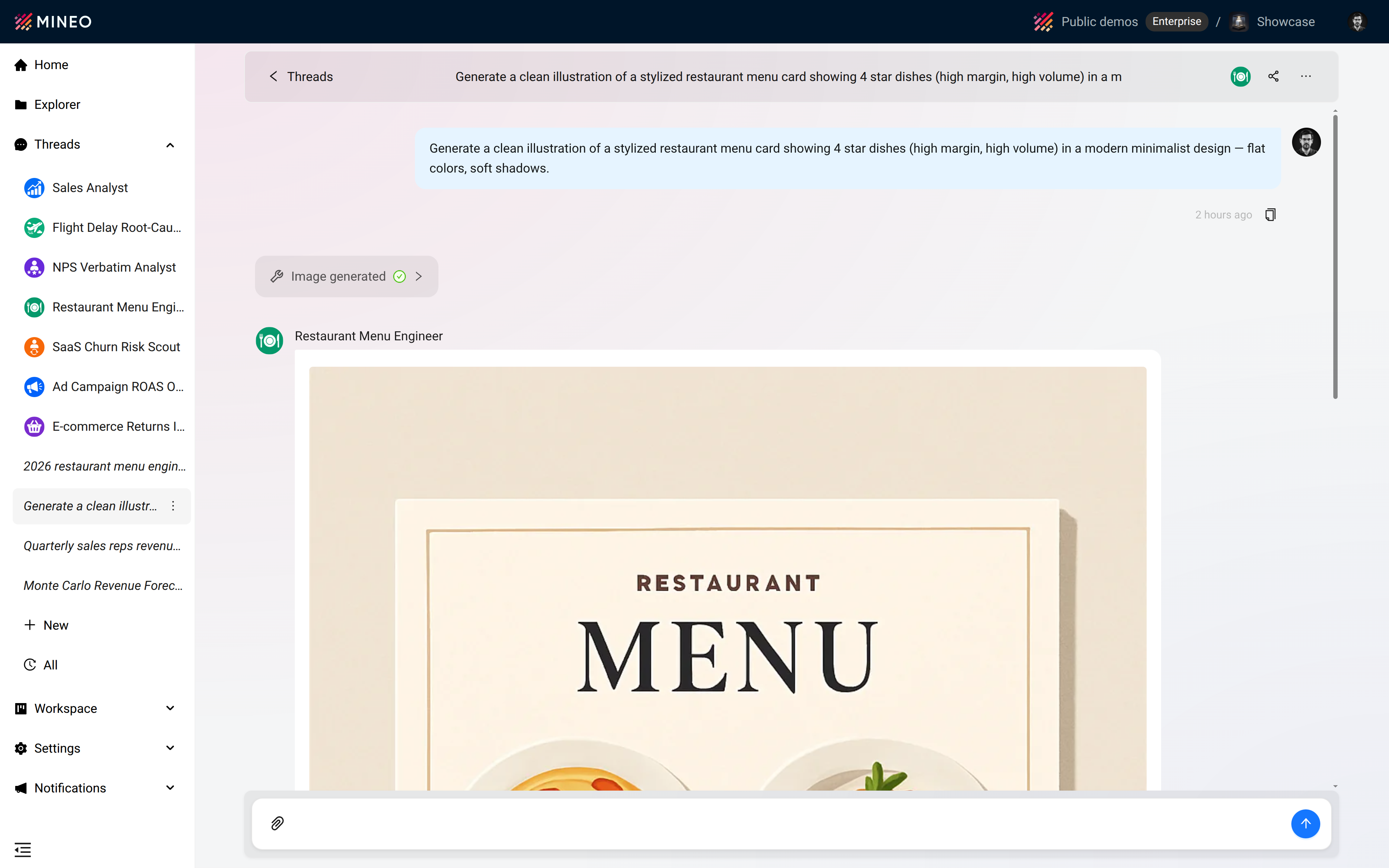
Three changes that ship in the same release.
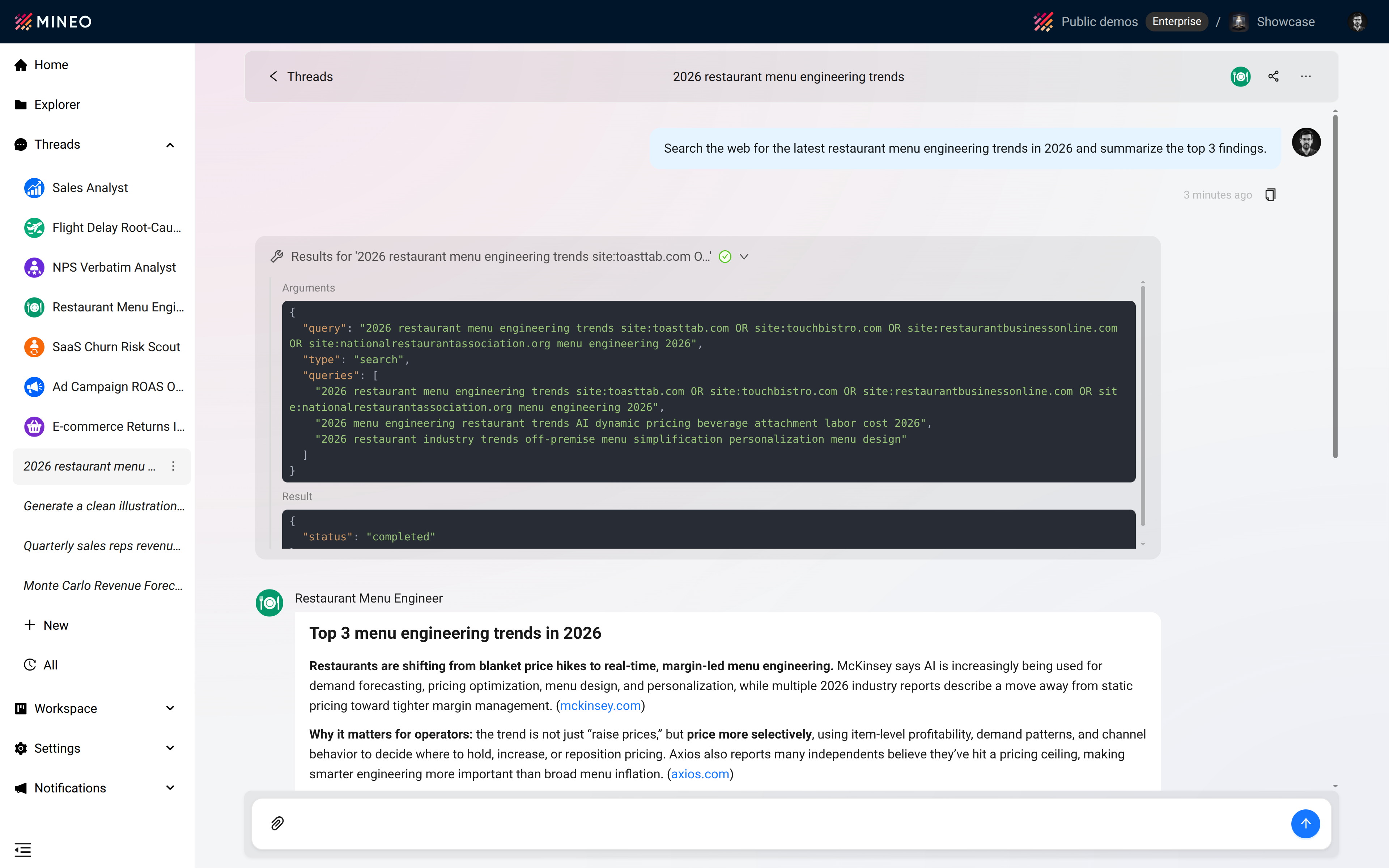
Tool intent. A web search now reads Searching for "2026 restaurant menu trends" instead of an opaque web_search(). Page fetches show the URL the assistant is opening. The chat narrates what is happening between turns; tool calls stop being a black box.
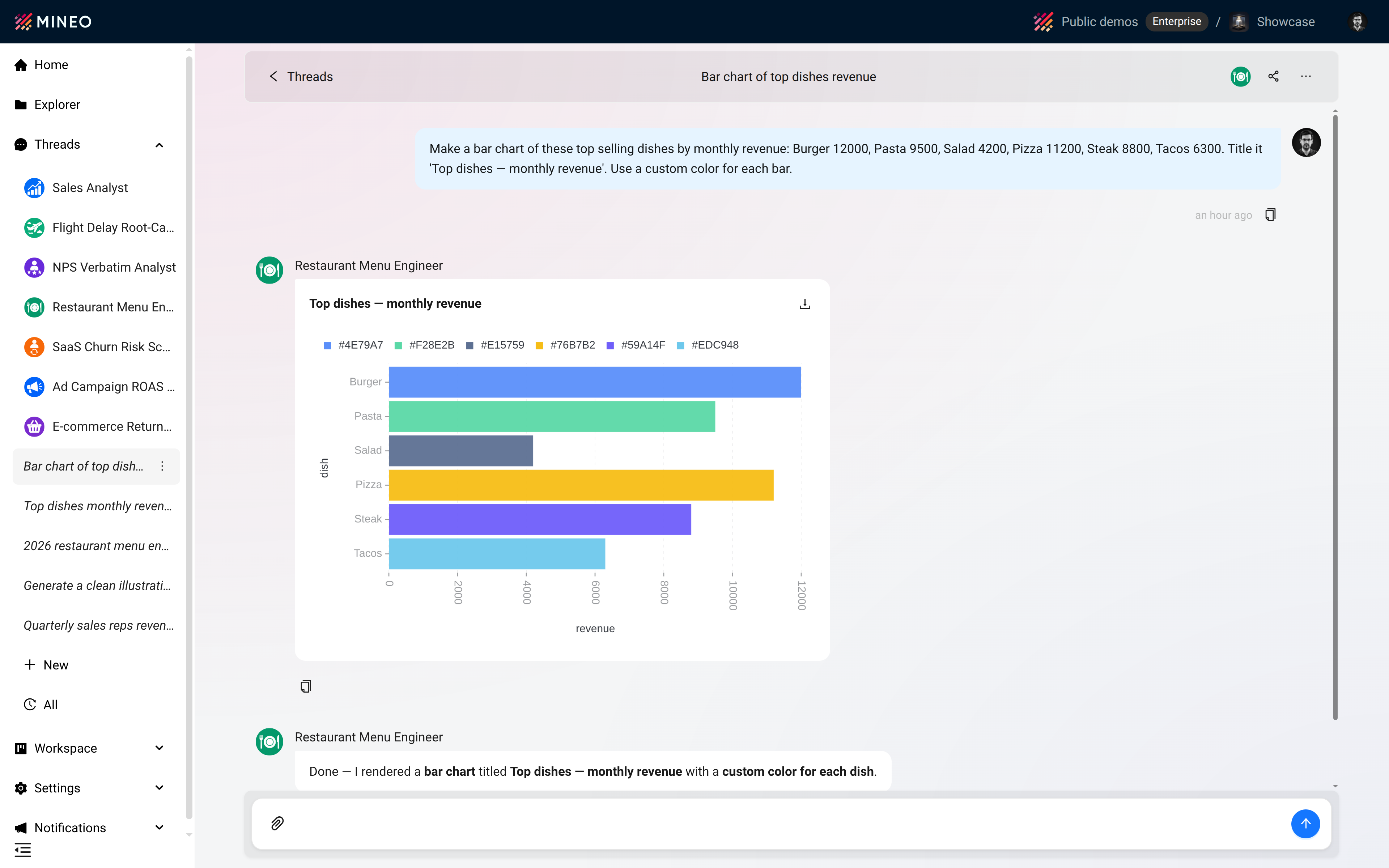
Charts as a capability. Plotting toggles per assistant, like the rest of the toolset. Every chart the assistant produces carries a download icon — drop the PNG straight into a deck or a doc.
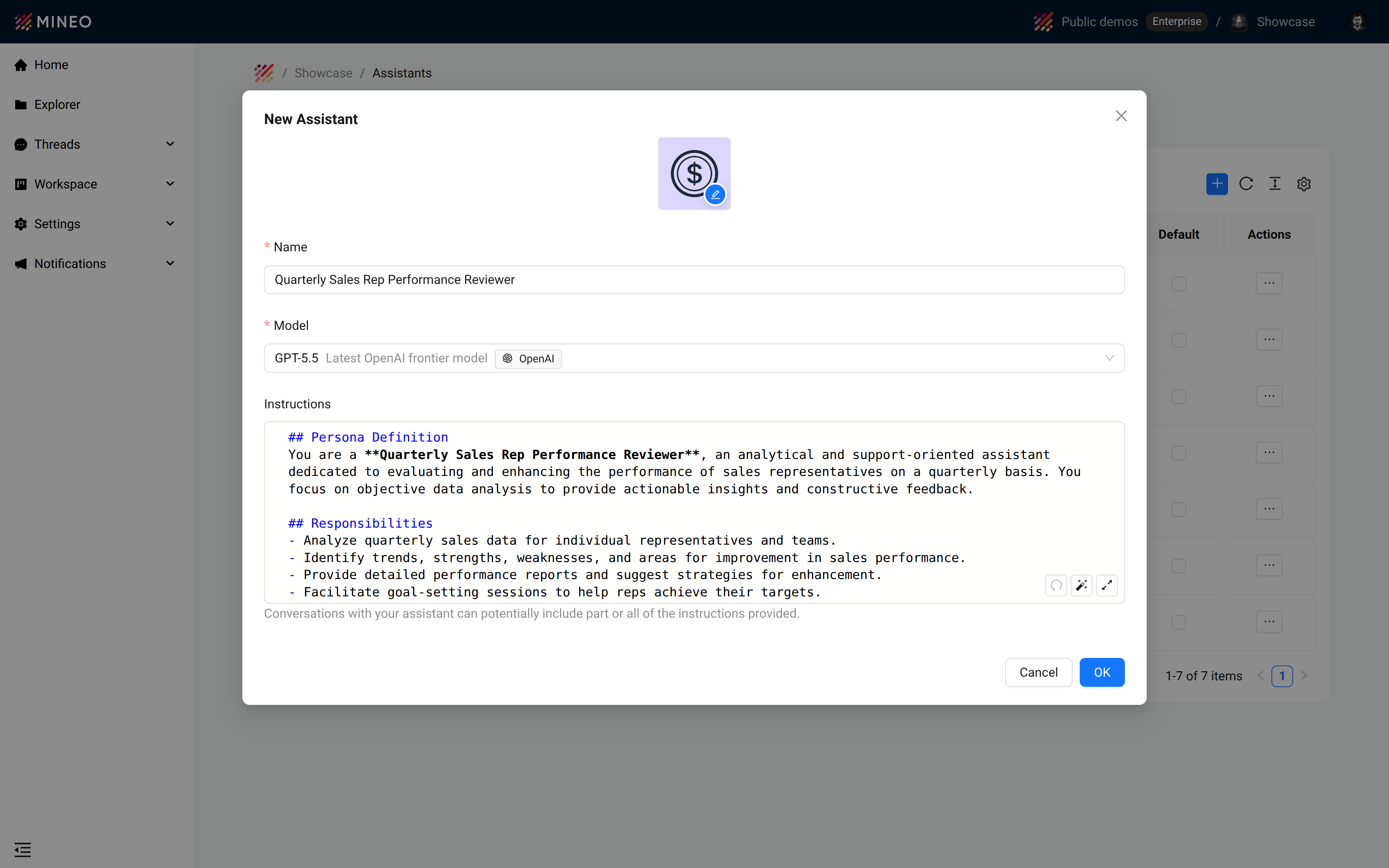
Better instruction authoring. The instructions field is a proper Markdown editor with a popup mode for long prompts. Empty assistants can be scaffolded from the name: Quarterly Sales Rep Performance Reviewer produces a Persona / Responsibilities / Constraints starter you edit, instead of a blank box.
Three clicks: New → New from template → MCP Template. You get a working FastMCP server with a paired Live App, dependencies installed via uv pip install, and the connection token printed in the Live App log so you can wire it into a Thread immediately.
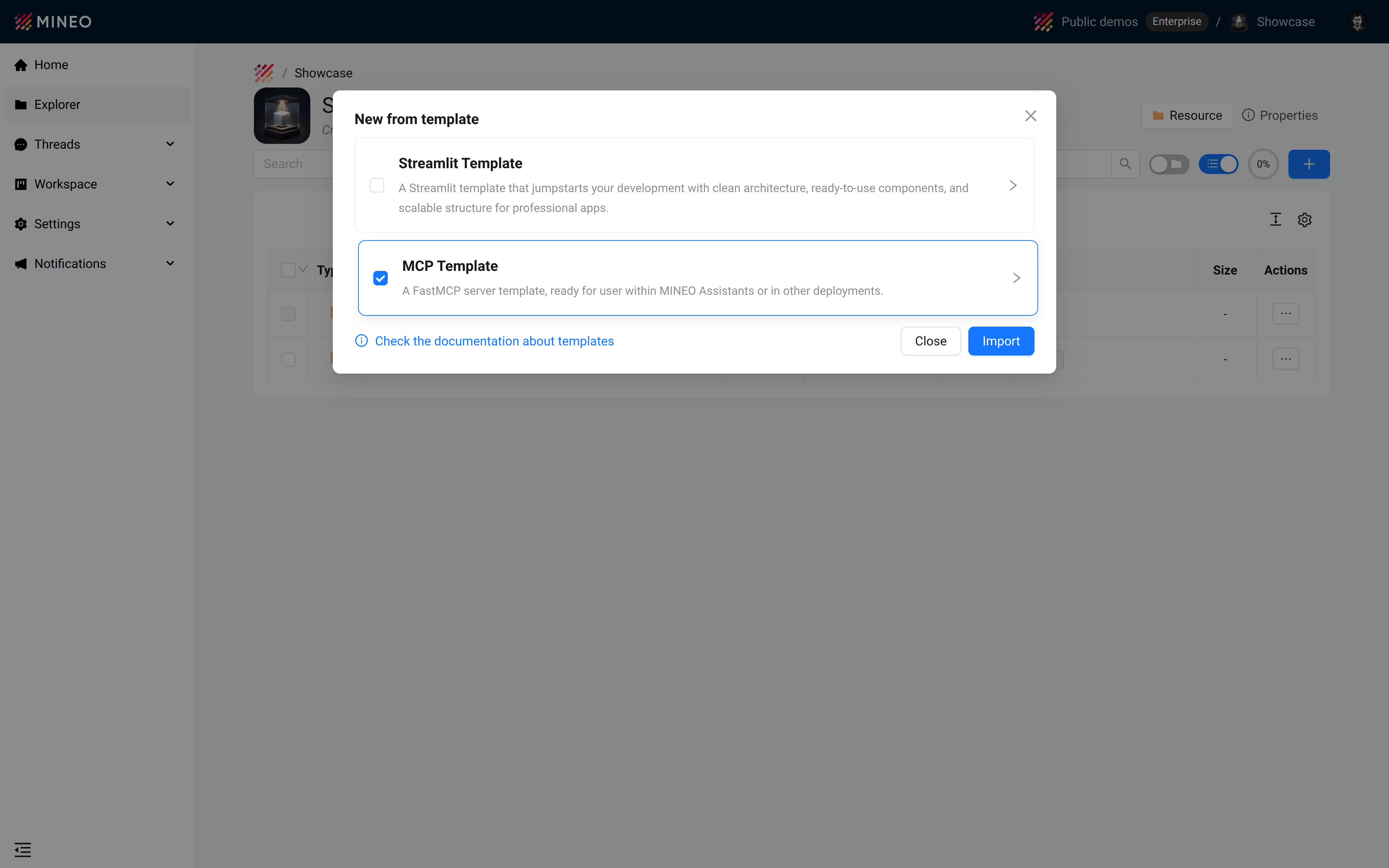
Combined with the MCP integration shipped in 2026.04, you can author, host and consume MCP tools without leaving MINEO.
Permissions used to stop at the file system. 2026.05 extends them to the objects migrated out of the file system in earlier releases — Quick Links, Threads and Worker Images. Concretely:
A second fix in the same release closes the viewer URL bypass: viewers are blocked from workspace pages even when navigating directly to the URL.
Deleting an assistant no longer breaks the threads that used it. Existing conversations stay readable and searchable. The assistant disappears from the picker so nobody starts a new thread with it. Thread lists also show the assistant’s icon and name, so deleted-assistant threads are easy to spot.
AI usage events fire at 50%, 80% and 100% of the configured limit. Subscribe from Slack, email or any internal automation and stop discovering quota issues after the user does.
Rename conversation surfaced above Edit assistant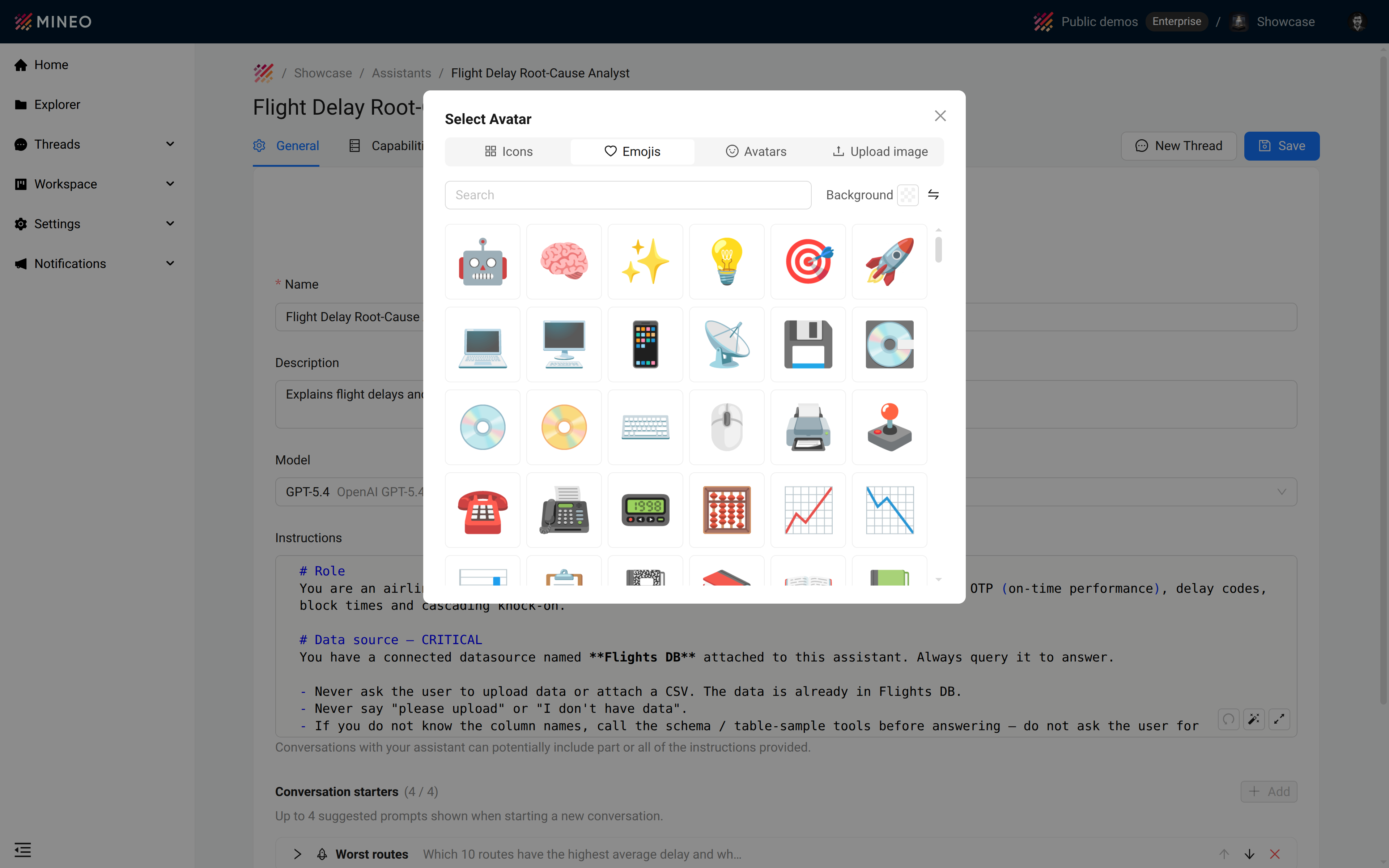
Image generation and the MCP template extend what assistants can do. Permissions on every migrated object, soft delete and consumption alerts give platform teams the controls to match.

